- Decide which conversion step to improve and how to measure it
- Identify where visitors drop off and why
- Improve pages, CTAs, and forms
- Compare CVR and inquiry content before and after changes
Understand conversion fundamentals
Divide the journey to consultation into service pages, case studies, pricing, CTAs, forms, and submission completion. Select one conversion step where many visitors drop off and that has a large impact on consultations.1. Decide which conversion step to improve and how to measure it
First, break down the customer actions from learning about the service to completing a consultation, and make each action measurable. Rather than only looking at overall inquiry rate, check the conversion rate at each step: the percentage of users who completed the previous action and then proceeded to the next. The table below defines a measurable action for each stage and the first page element to review when progression is low. Use only the stages that exist in your actual inquiry journey and measure the same events consistently in Google Analytics or a comparable tool.
In Google Analytics, record key pages, CTA clicks, form starts, and completed submissions as events. Do not send sensitive data or full form responses to analytics tools. Determine whether inquiries are qualified using counts and classifications that exclude personal information.
2. Identify where visitors drop off and why
In addition to overall CVR, segment by source, service, target industry, device, and new vs returning visitors. Don’t conclude causes from numbers alone—review the page, form, and recurring questions in inquiries. The table below summarizes what to first check and what to improve for each place where drop-off is found. Start with the applicable row, review the page, and base conclusions on actual displays and customer questions rather than assumptions.
If inquiry volume is high but many requests are a poor fit, make the target client, scope, pricing approach, service region, and timelines explicit on the service page before adding more form fields.
3. Improve pages, CTAs, and forms
Make a single change addressing the cause of drop-off and test the flow from service page to submission on actual devices. For sites managed with NoimosAI, verify previews on both desktop and mobile after changes. For external form or booking tools, make changes in the provider’s admin screen.4. Compare CVR and inquiry content before and after changes
Match conditions such as period, source, and device when comparing before and after. Check not only the directly improved CVR but also number of inquiries, the proportion of qualified inquiries, misunderstandings-driven inquiries, and form errors. Use the table below to check effects starting from the metric closest to where you changed something. Then verify whether improvements continue through to consultation completion or qualified inquiries. Don’t count a change as successful if it only increased intermediate clicks.Apps you can use for conversion analysis

Google Analytics: Capture sources, page views, CTAs, form starts, and inquiry completions to identify drop-off points and compare before/after changes.
Improve inquiry conversion rates with NoimosAI
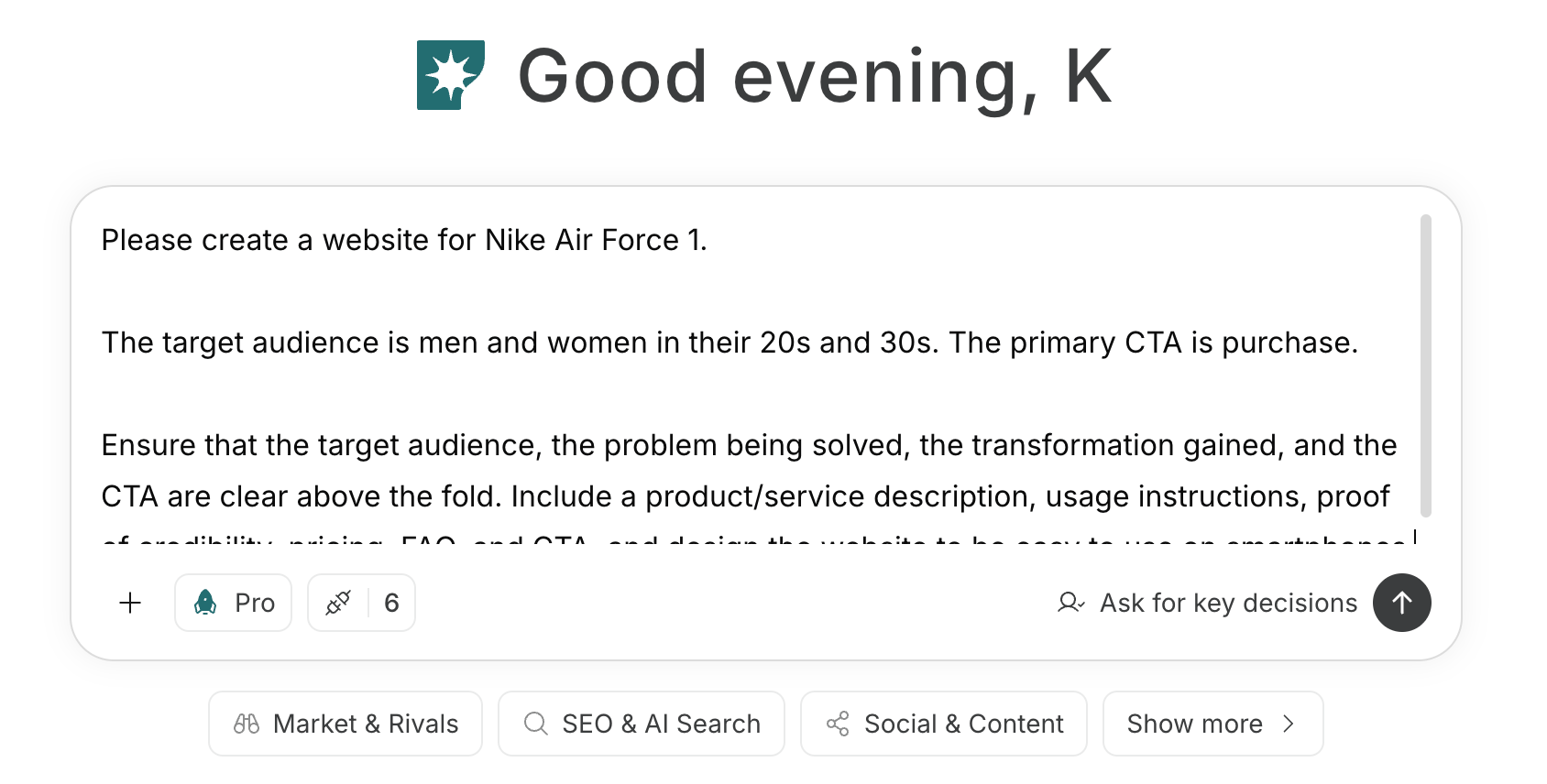
Map the journey to consultation, identify drop-off points, and improve pages and forms. For instructions on entering a prompt in chat, see Enter your own prompt.