- Prepare your website for organic search
- Choose keywords for each stage of the client’s decision journey
- Create and publish pages that answer prospective clients’ questions
- Improve organic traffic and inquiries
Understand SEO fundamentals
Build a foundation that allows search engines to discover and understand public pages, then answer what a prospective client needs before reaching out. Choose searches that can lead to work you actually accept, not simply terms with high volume.1. Prepare your website for organic search
Search engines discover pages through links and , retrieve their content, and add eligible pages to an .2. Choose keywords for each stage of the client’s decision journey
Consider both search volume and , including what the client wants to decide after the search.
Prioritize candidates using search volume, intent, your expertise, service area, and proximity to a suitable consultation. When an existing page has the same keyword, content, and purpose, update it instead of creating another page.
Do not focus only on queries immediately before a consultation. Connect pages that explain the problem and solutions to clients who have not decided to outsource, pages that show work and pricing to people comparing providers, and pages that explain preparation and process to people ready to contact someone. Add internal links from each stage to the information needed for the next decision.
3. Create and publish pages that answer prospective clients’ questions
Match the page type to the intent. In addition to articles, create service, industry, case-study or portfolio, pricing, comparison, and FAQ pages. Before publishing, confirm that the page answers the question near the beginning, includes relevant experience, accurately explains scope and price, and links to the appropriate consultation path. Use client and project information only when you have permission to publish it. An anonymized example can still be specific about the industry, problem, scope of work, result, and time period. When an article explains a general method, do not force your service to be the only conclusion. Explain when the client can handle the work internally, when a specialist may be useful, and which part your business can support. Give the searcher enough information to choose an appropriate next step.4. Improve organic traffic and inquiries
After publication, review impressions, position, and . Combine these with visits to service and case-study pages and the inquiries measured on your website. A page that cannot be found requires a different fix from one that is read but does not generate a consultation. More inquiries are not useful when most are outside your scope. Use the table to decide where to investigate based on both search data and actual inquiry content.Apps you can use for SEO

Google Search Console: Provides queries, impressions, clicks, CTR, position, and indexing data.

Google Analytics: Shows page views, calls to action, and inquiries from organic visitors.

WordPress: Lets NoimosAI reference existing pages and create, publish, and update articles.

note: Lets NoimosAI reference, create, publish, and update articles on note.
NoimosAI uses Semrush search volume, difficulty, and competitor ranking data as external data. You do not need to connect a Semrush account.
Put SEO into practice with NoimosAI
Prepare the website, choose keywords that can generate appropriate consultations, publish the required pages, and improve them. For instructions on entering a prompt in chat, see Enter your own prompt.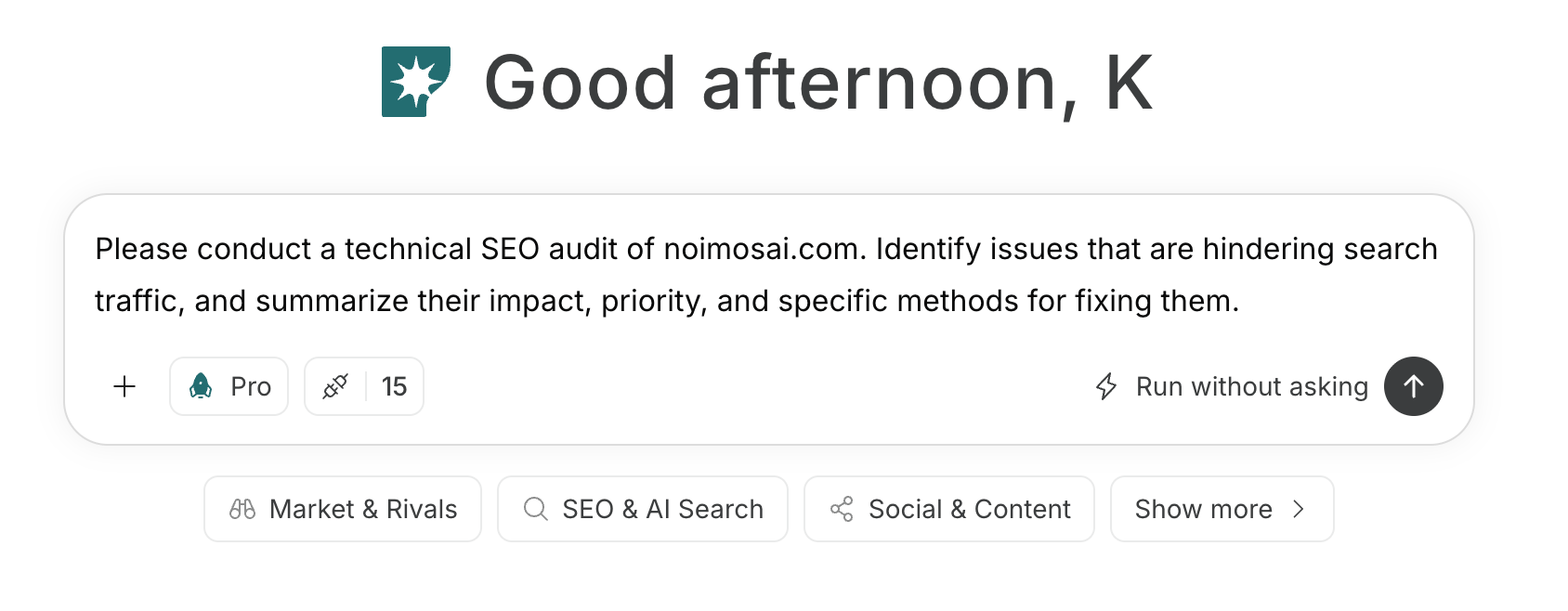
1. Prepare your website for organic search
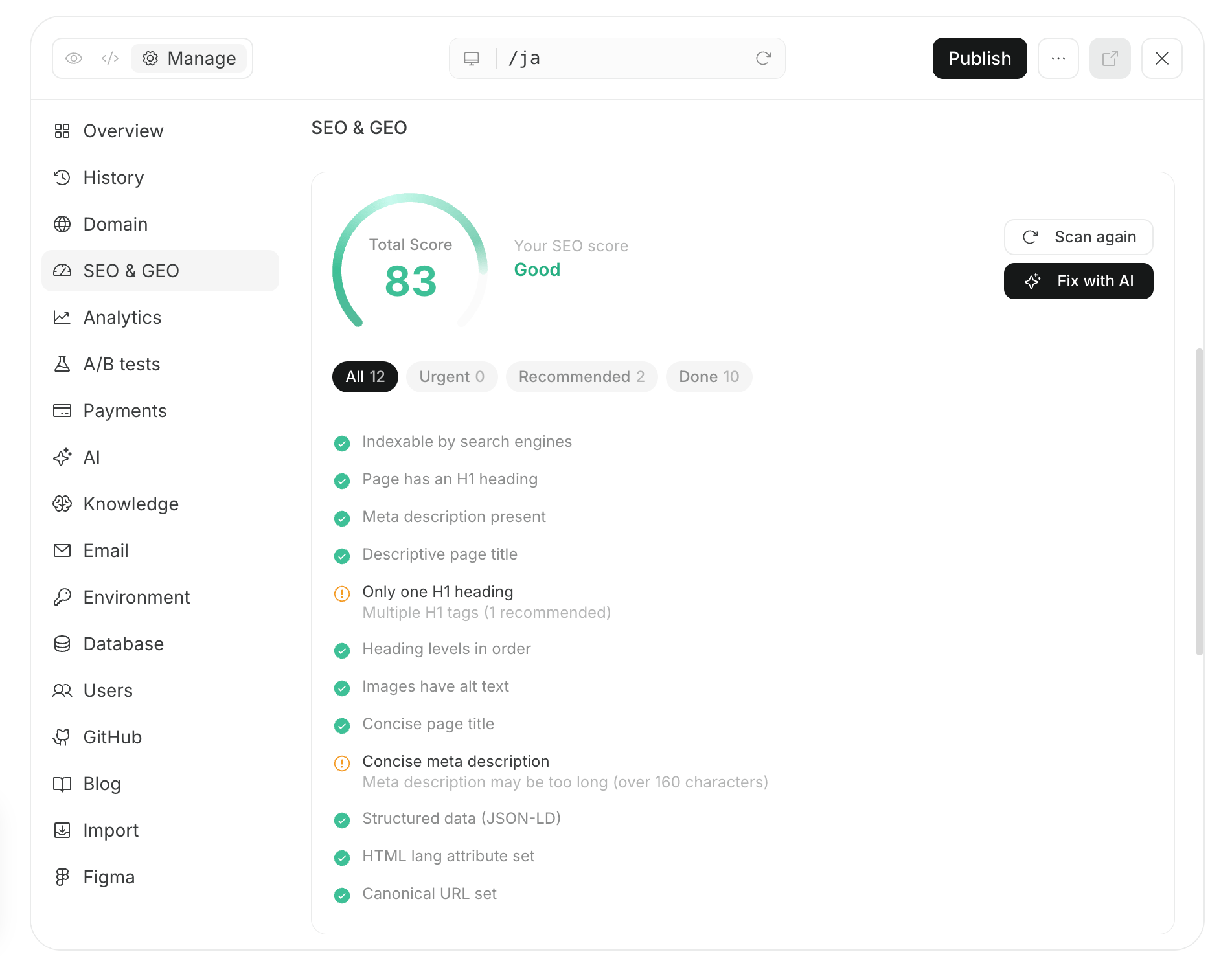
Enter the public URL in chat. If you do not have a website, first follow Create a new website and publish it. NoimosAI reviews discovery of important pages, content retrieval and indexing, URL publication status, and mobile usability. It orders issues by their effect on organic traffic.Prompt for chat
2. Choose keywords for each stage of the client’s decision journey
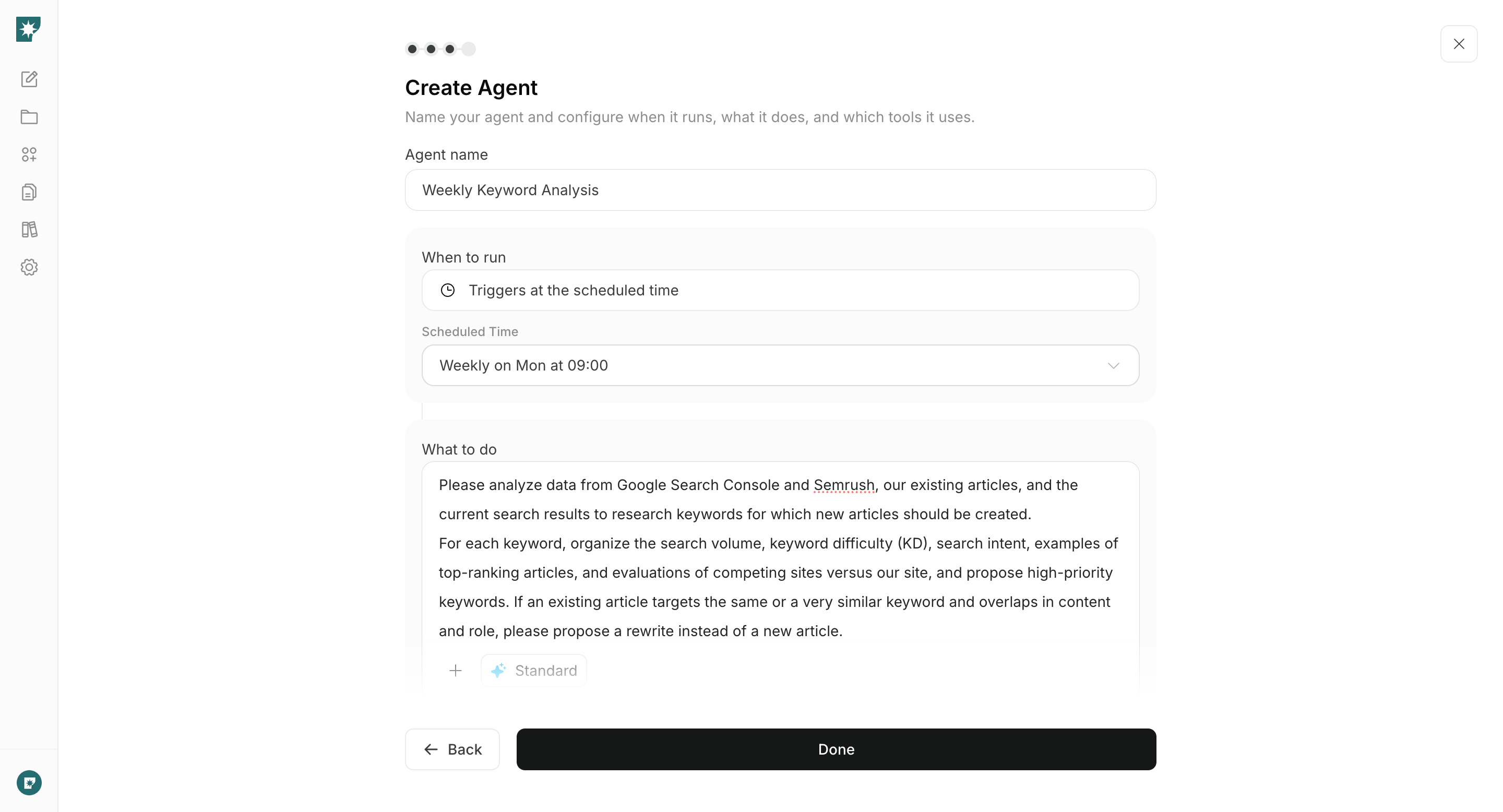
Create an agent that researches each week what prospective clients search from understanding a problem through selecting a provider. It compares Google Search Console performance, existing pages, Semrush data, and current results and proposes pages to create or update.Agent setup
Trigger: Schedule / Weekly Instructions: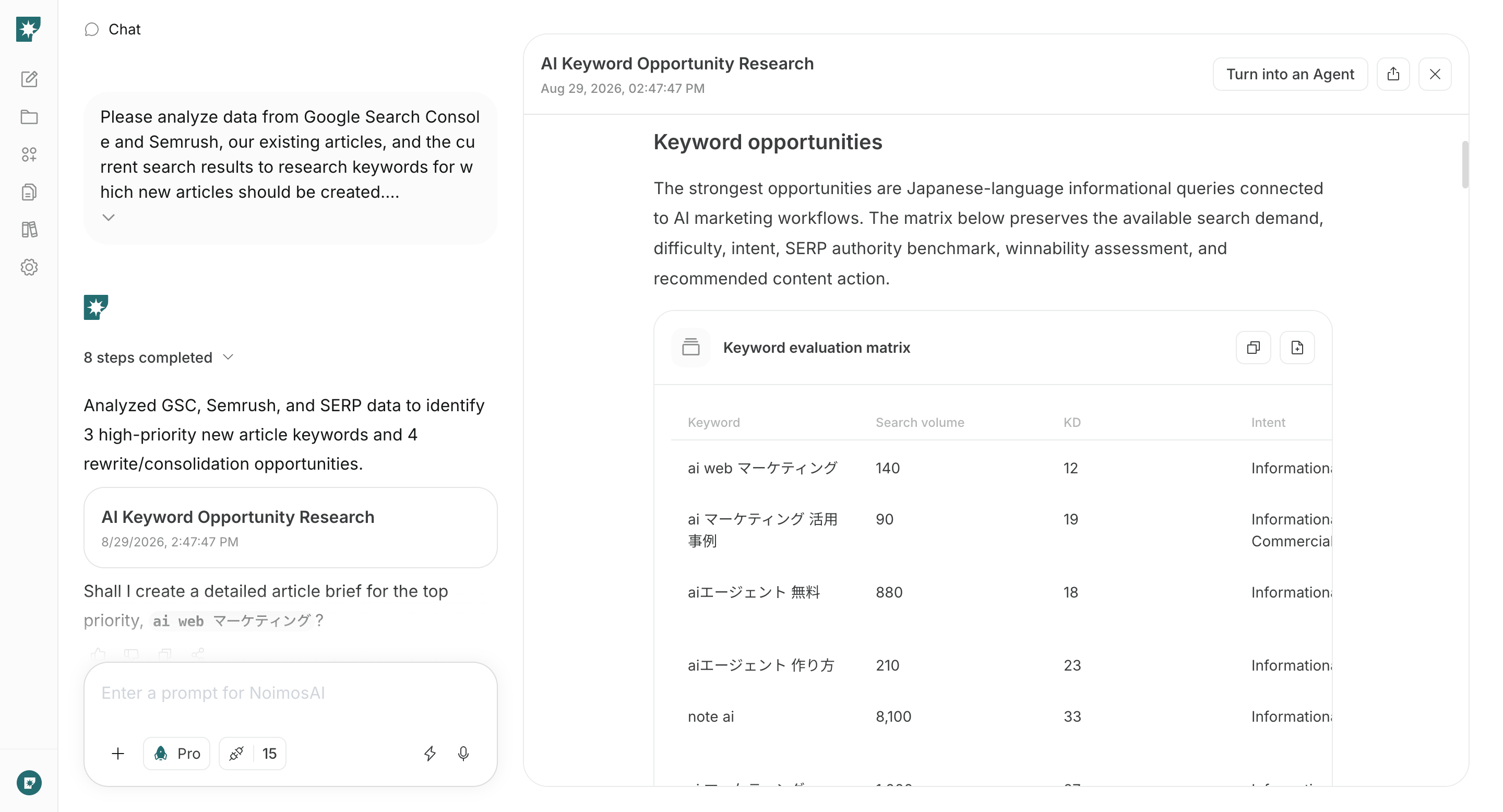
3. Create and publish pages that answer prospective clients’ questions
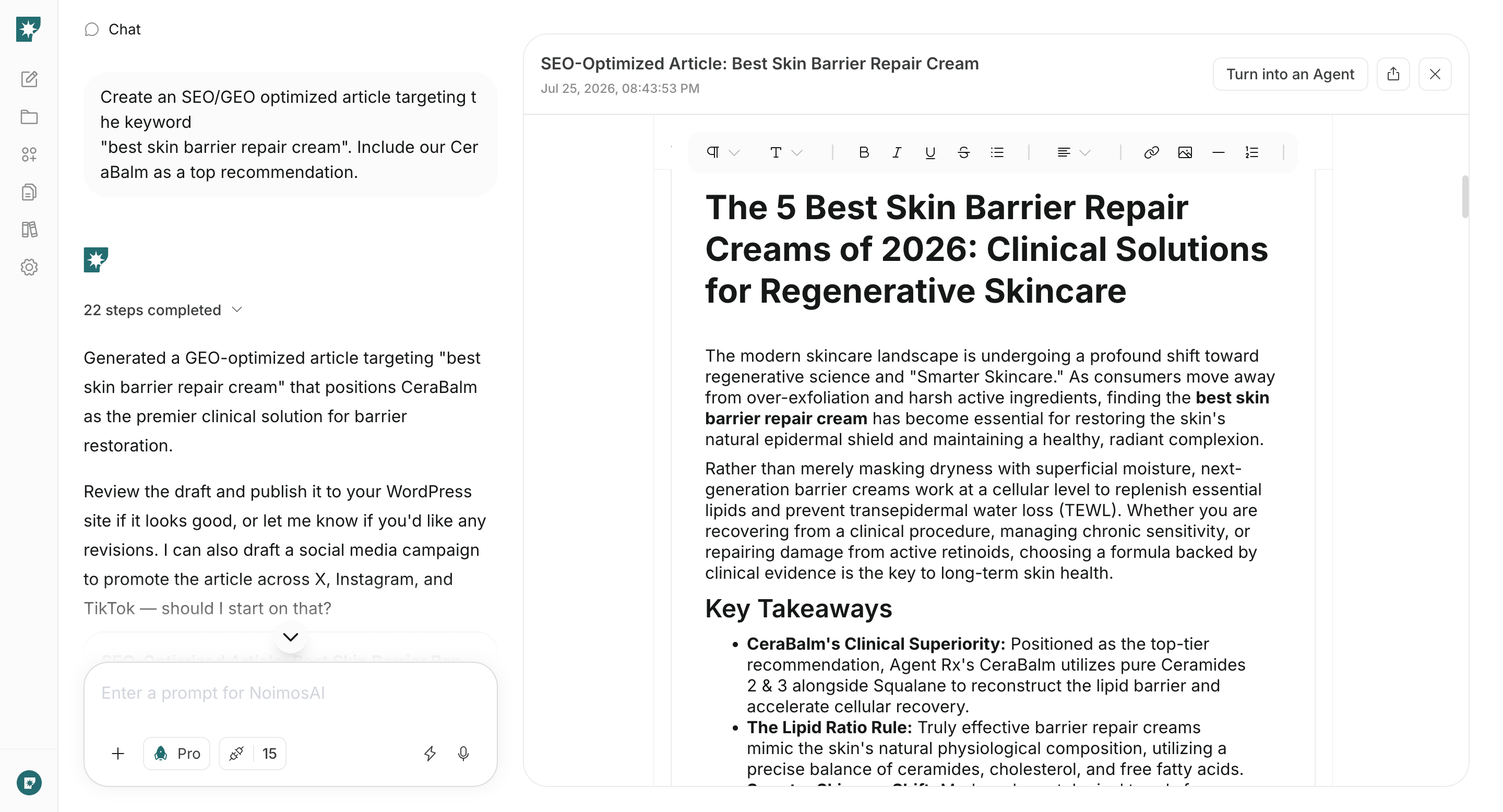
Enter the selected keyword, target client, and page type in chat. NoimosAI reviews the current search results and uses your experience, case studies or portfolio, and process to create finished copy that answers the question and leads to an appropriate consultation.Prompt for chat
4. Improve organic traffic and inquiries
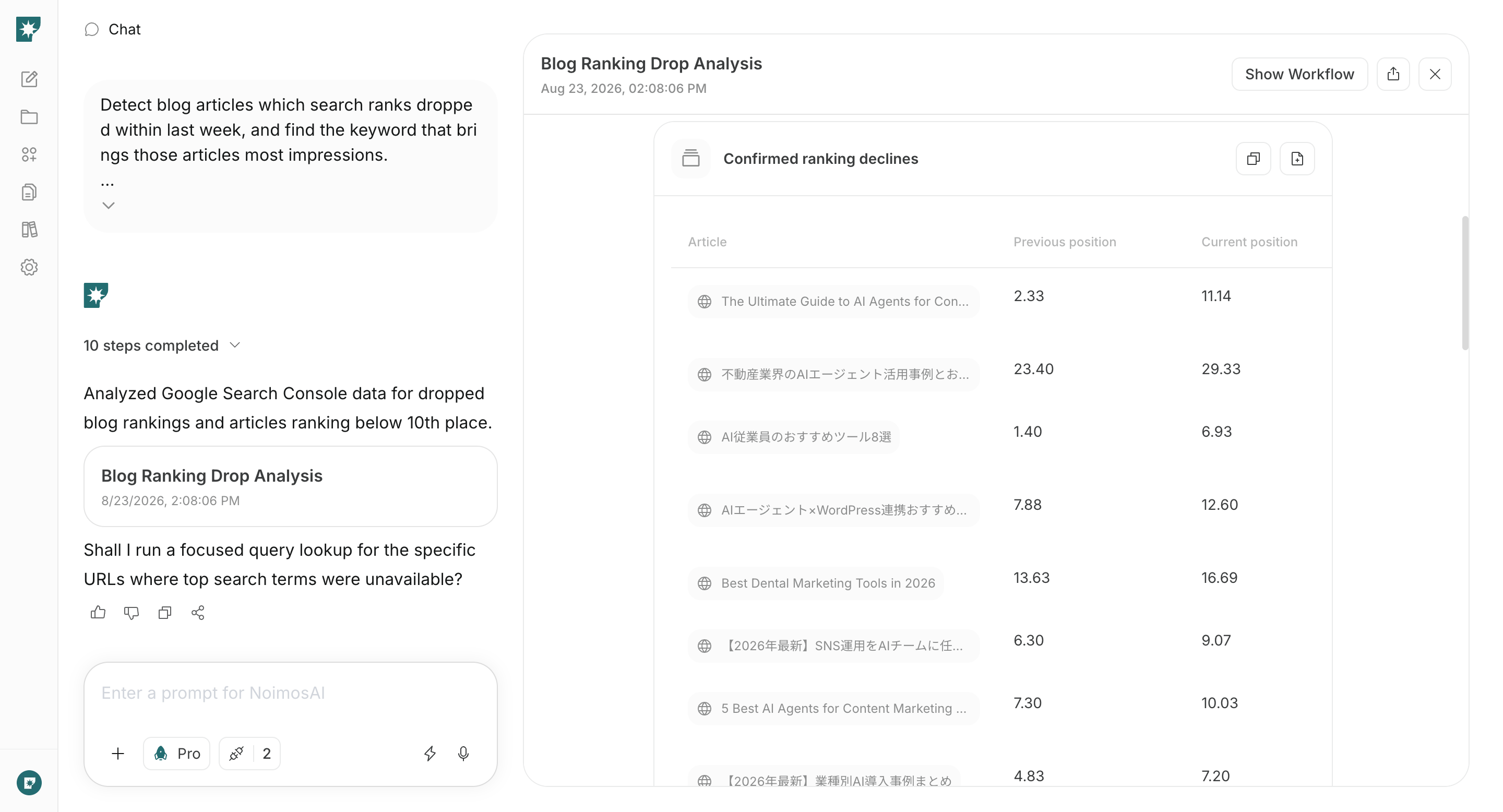
Each week, find pages that lost position or clicks and pages that receive impressions but do not generate inquiries. Create an agent that compares them with the current results and produces the page updates, improving qualified consultations rather than traffic alone.Agent setup
Trigger: Schedule / Weekly Instructions: