

Overview
UseCreate from scratch when you need precise control over execution conditions.
It takes more setup than a template, but you can tailor the agent to your requirements.
Steps
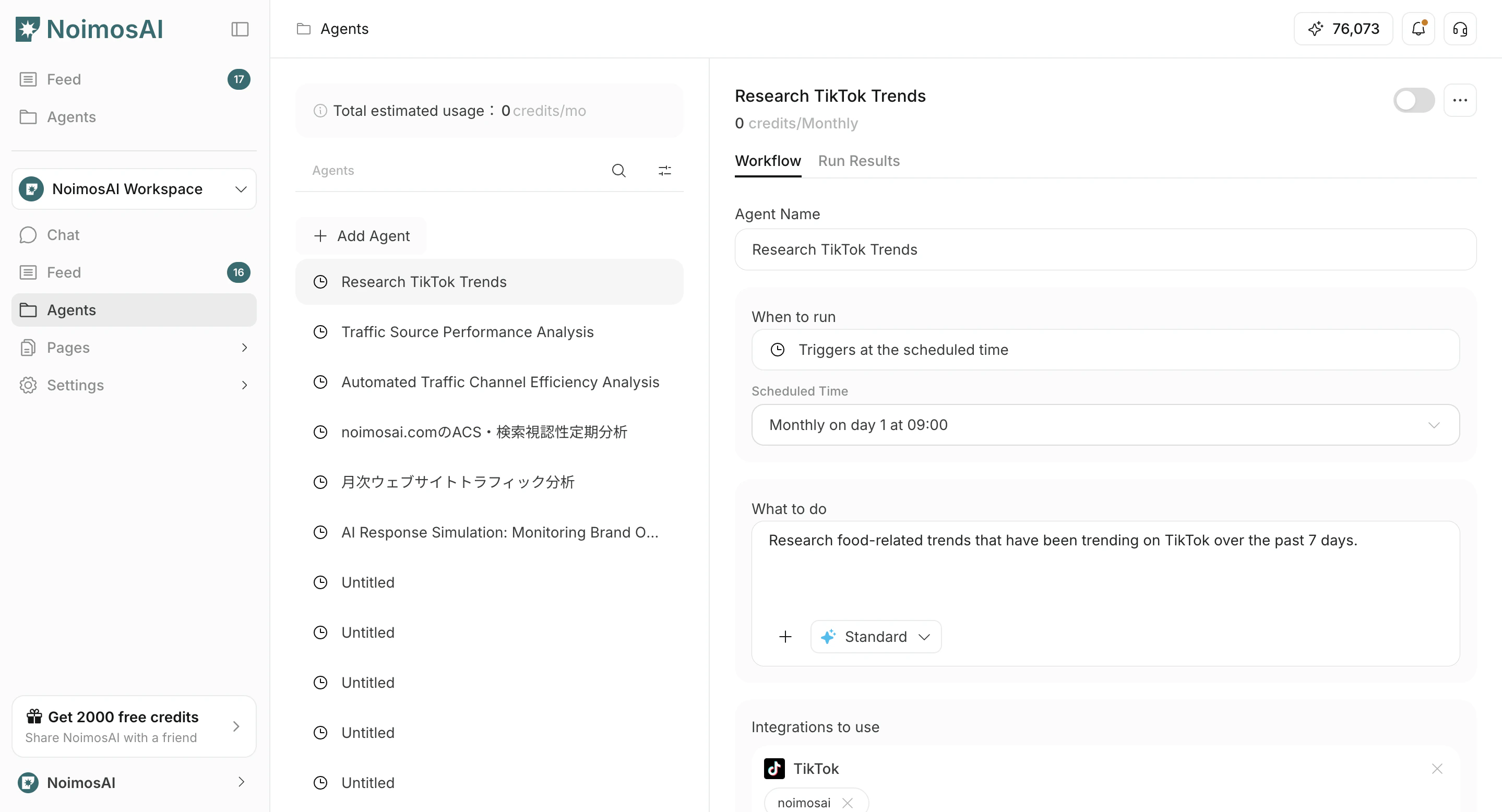
- In
Agents, clickAdd Agent.
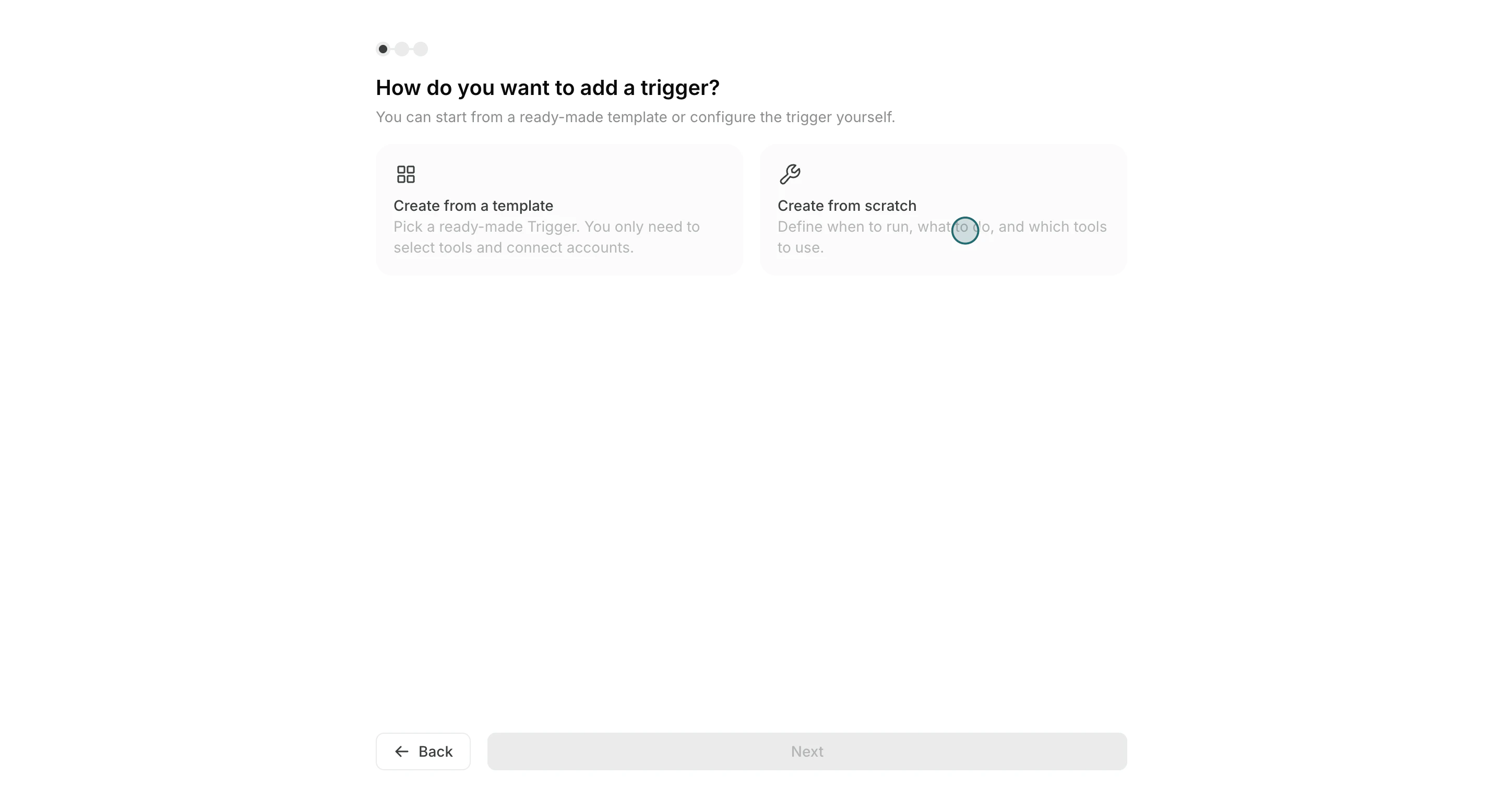
- Select
Create from scratch.
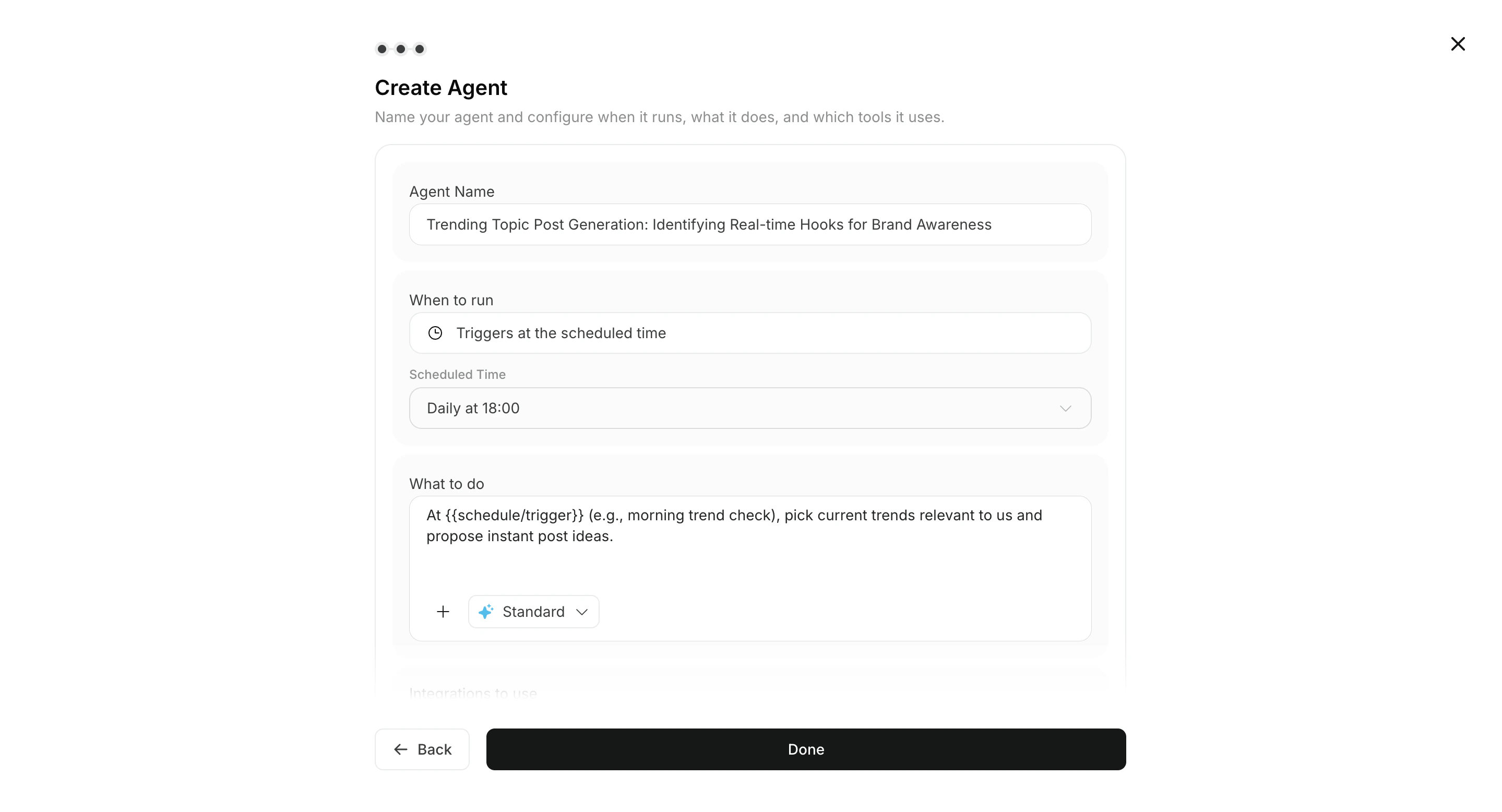
- Enter
Execution timing,Workflow, and optionalDestinations.
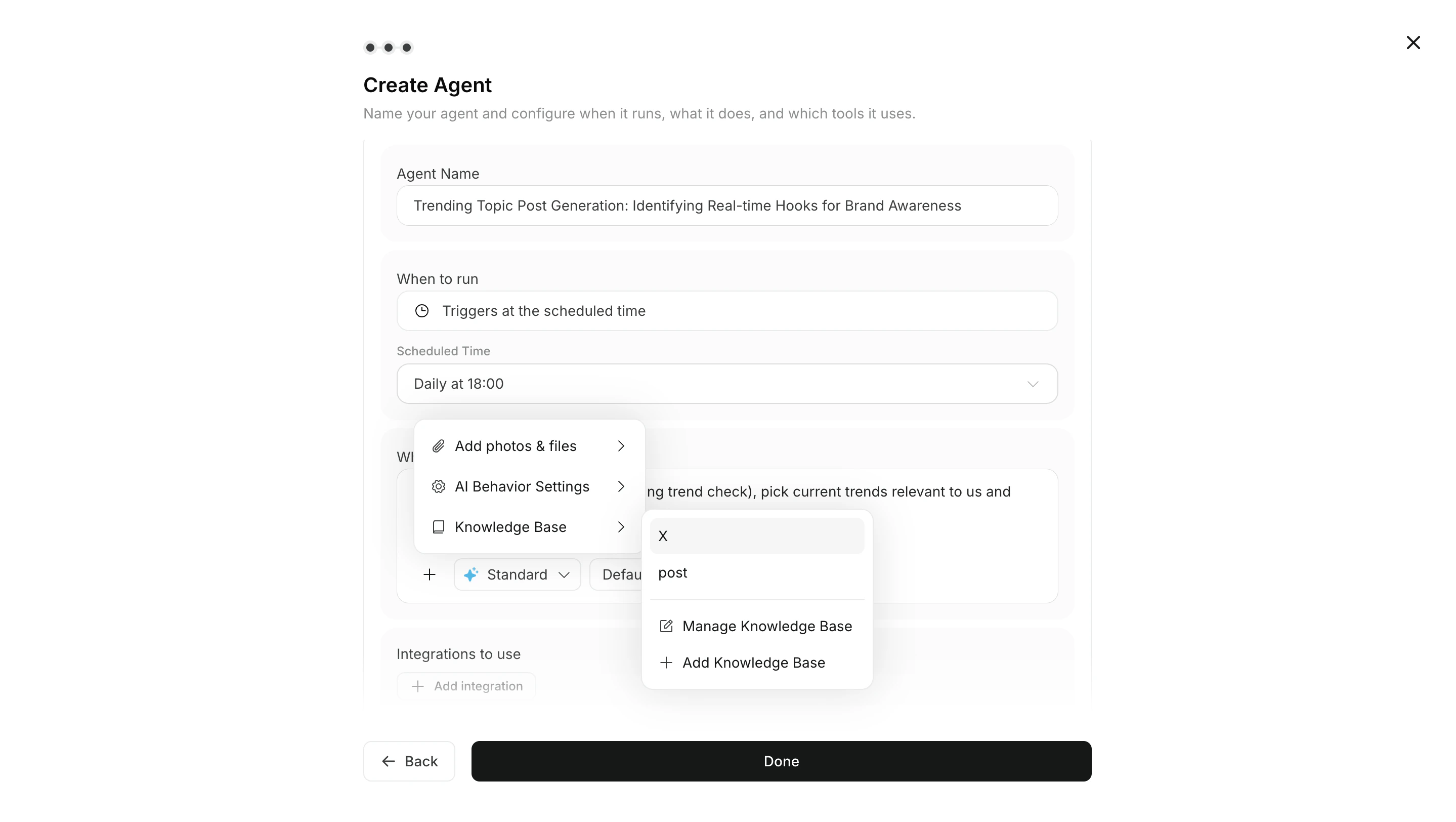
- If needed, attach images or Knowledge Bases to the workflow.
- Set integrations and connected accounts.
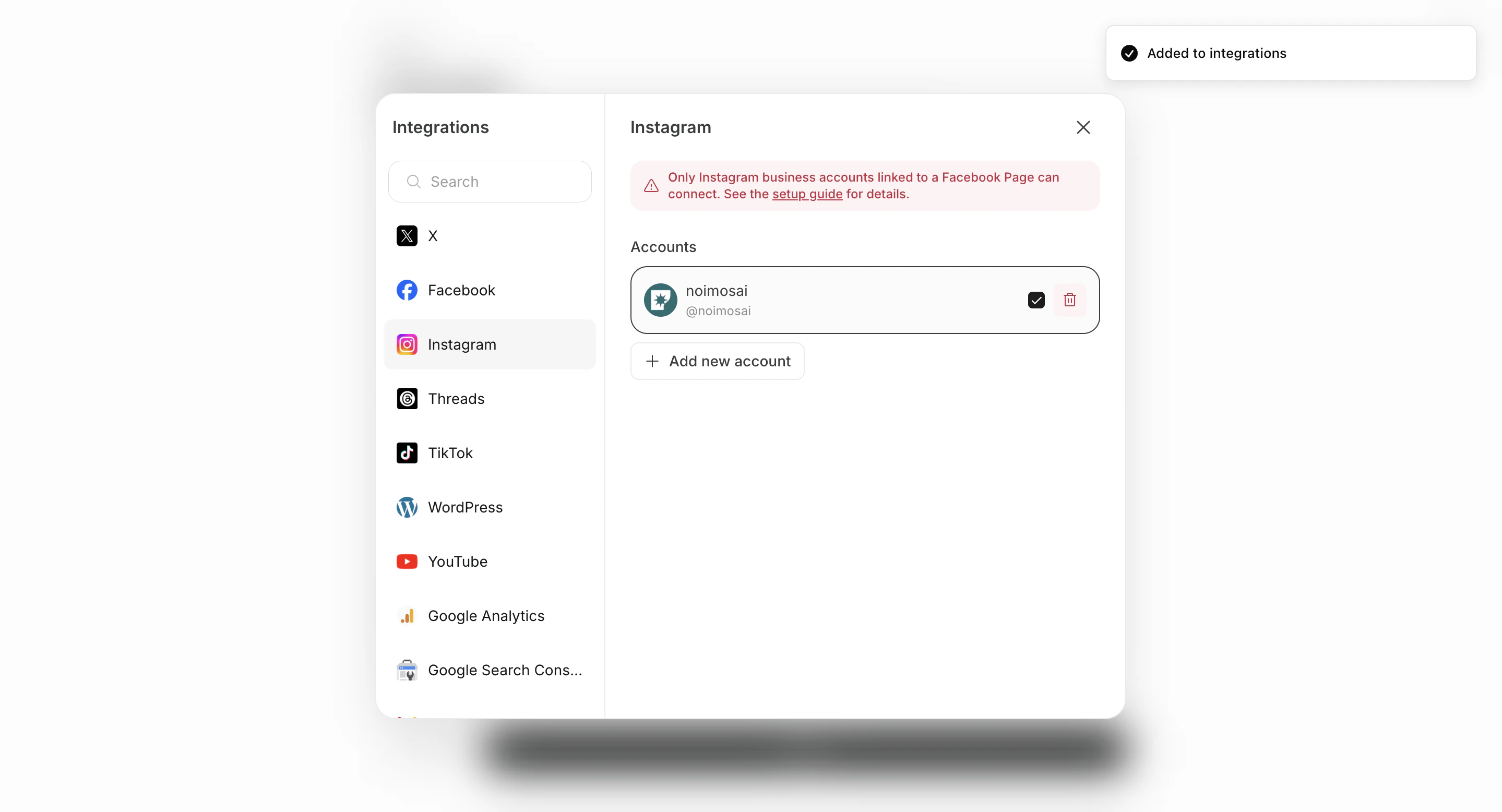
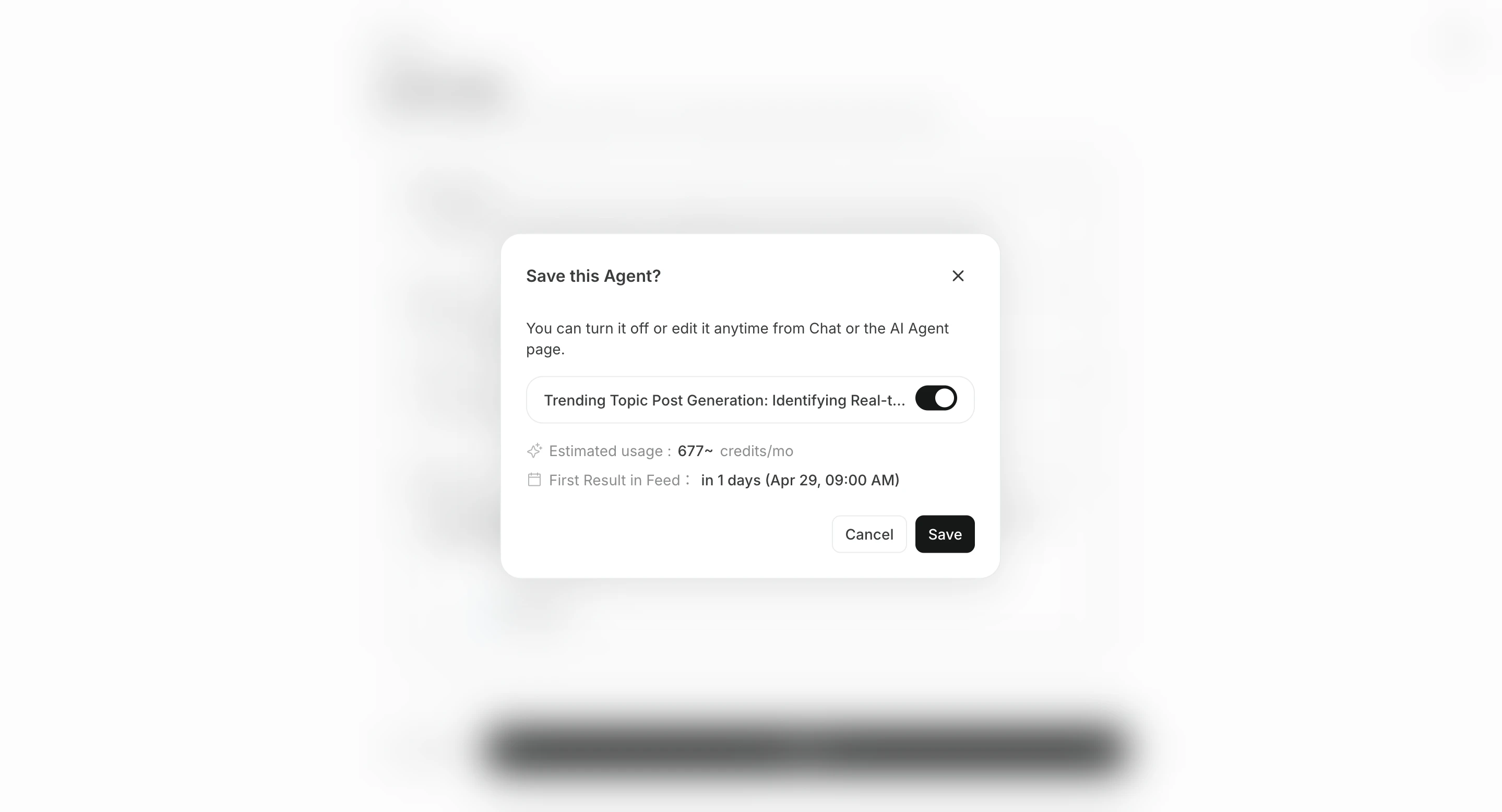
- Save to create the agent, then enable it if needed.
Configure destinations
Destinations are optional. Results are available from All Tasks in the related chat session, but you can add destinations when you also want notifications or shared storage.
There are two main ways to add a destination.
- Add destination lets you choose connected apps or storage destinations such as Slack, LINE, Discord, Telegram, WhatsApp, Notion, and Google Drive.
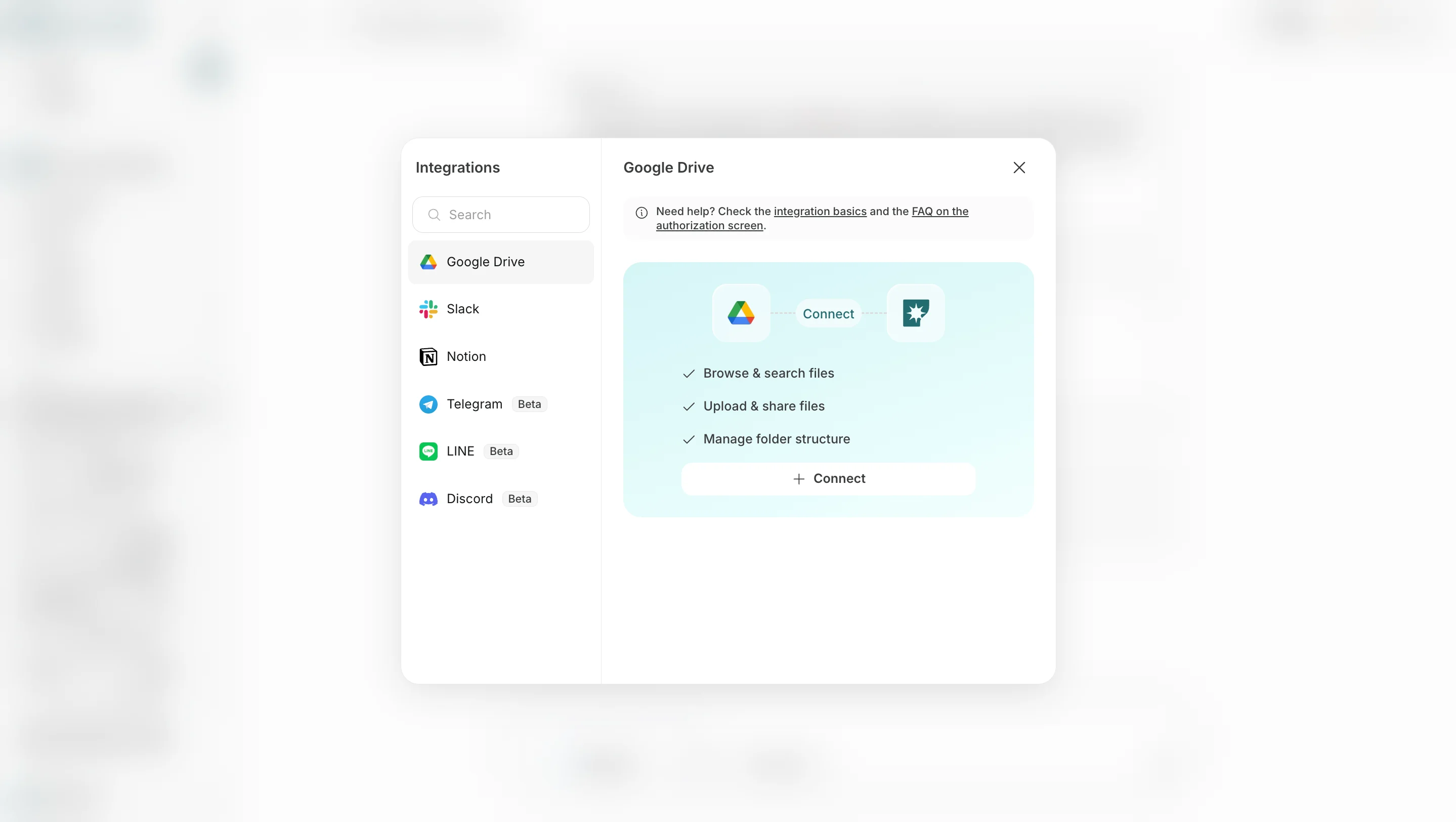
- Add email lets you specify an email address so results can also be sent by email.
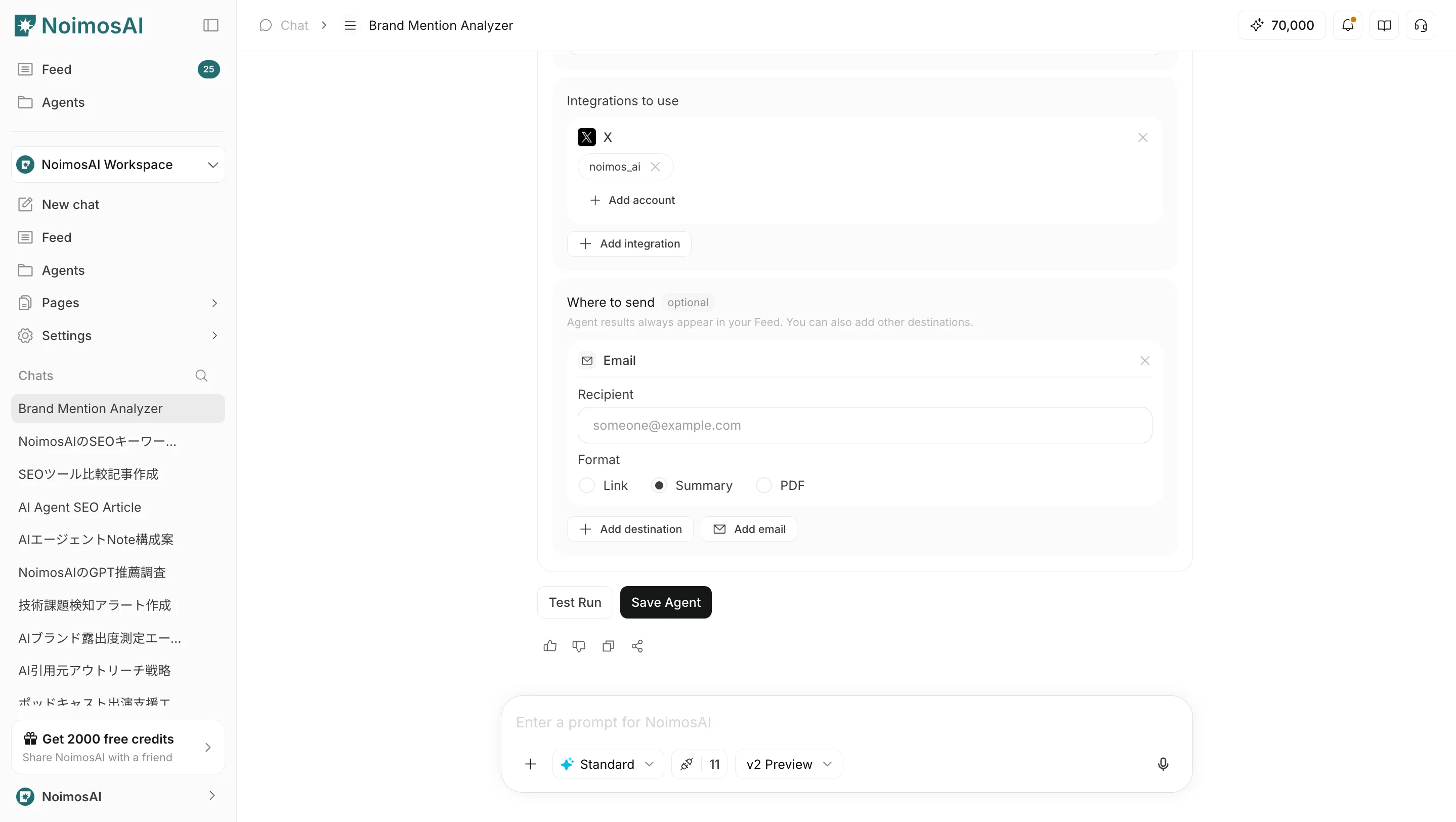
Link, Summary, or PDF.
Operating tips
- Give the agent a name that makes its purpose clear.
- Include the output format, review criteria, and restrictions in the instructions.
- Start at a low frequency and adjust after reviewing results.