

Overview
NoimosAIAgents let you design autonomous execution by setting execution conditions, workflow instructions, and integrations. You can also specify destinations when needed.
Execution results are saved to the related chat session by default. When you set Destinations, you can also notify Slack, LINE, Discord, and other channels.
Two ways to use agents
1. Run work autonomously with an agent
UseAgents when you want work to run on a schedule or condition.
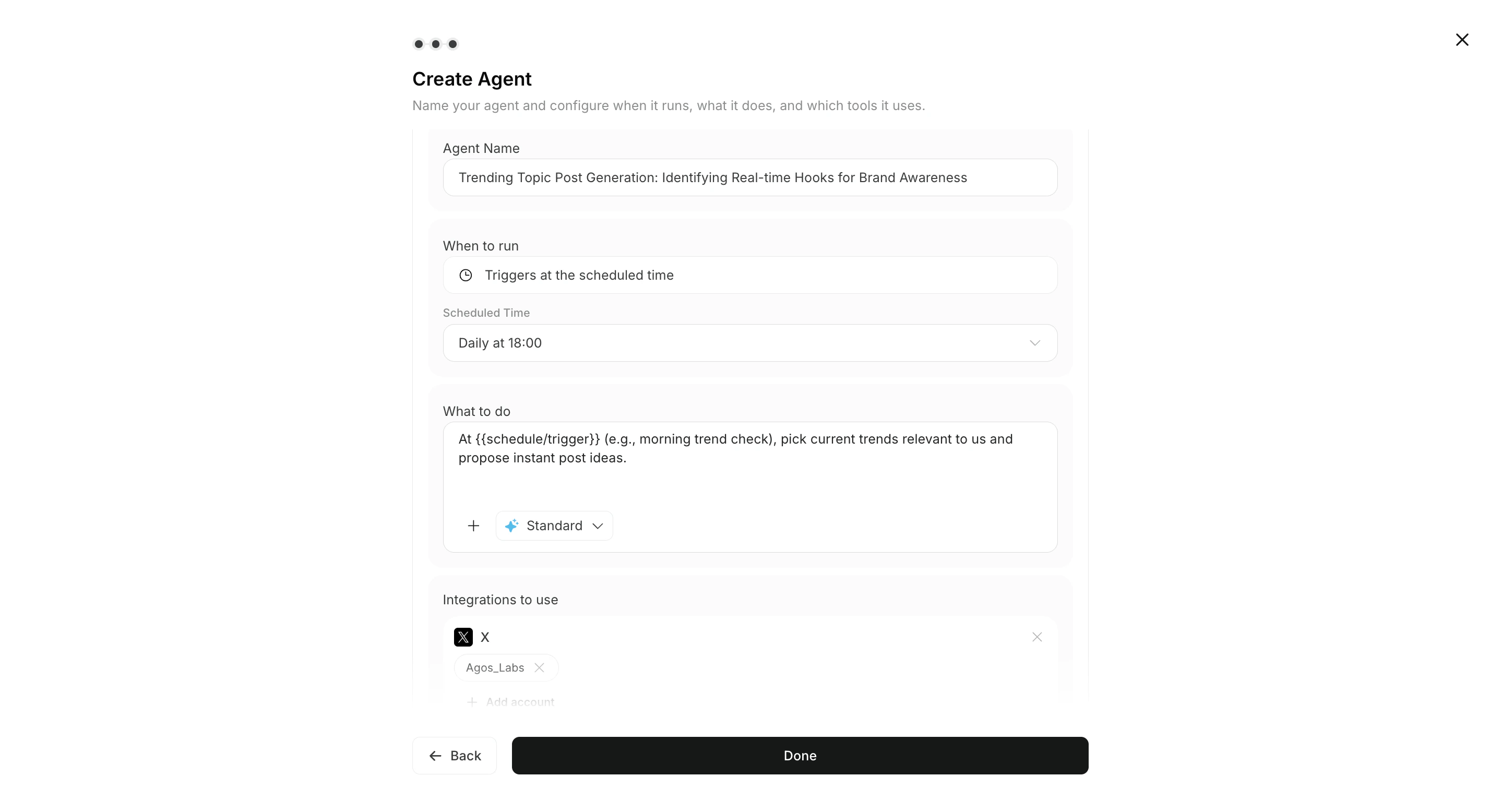
Select Add Agent to configure conditions, instructions, and integrations so the task can run autonomously. You can also specify destinations when needed.
2. Give direct instructions in Chat
UseChat for one-off requests and iteration.
After reviewing the output, you can move useful work into ongoing operations with Create Agent.

3. Start from Advisor Agent recommendations
In addition to creating regular agents or giving direct instructions in Chat, each workspace includes an Advisor Agent by default. The Advisor Agent analyzes connected data and brand information, then recommends prioritized actions. ClickRun on a recommendation to open a dedicated task chat and review the execution prompt before sending it.
See Advisor Agent Basics for details.
Responsibilities
What agents do
- Run tasks autonomously under the configured conditions.
- Use approved integrations and connected accounts.
- Save execution results to the related chat session and notify configured
Destinationswhen needed. - Reference images and Knowledge Bases attached to the workflow.
- Return execution results and context.
Destinations and output formats
Destinations are optional. Choose supported destinations and formats based on the workflow.
- Destinations: Slack, LINE, Discord, Telegram, WhatsApp, email, Notion, Google Drive
- Output formats: link, summary, PDF
What people do
- Define the goal, quality bar, and restrictions.
- Review whether the output is appropriate.
- Make the final decision to approve, revise, or publish.