Overview
Blocks are the building elements of a page. Choosing the right block for each purpose helps you create pages that are easy to read and operate.Add block menu
UseAdd block to insert the block you need. You can also narrow the list by searching for a block name.
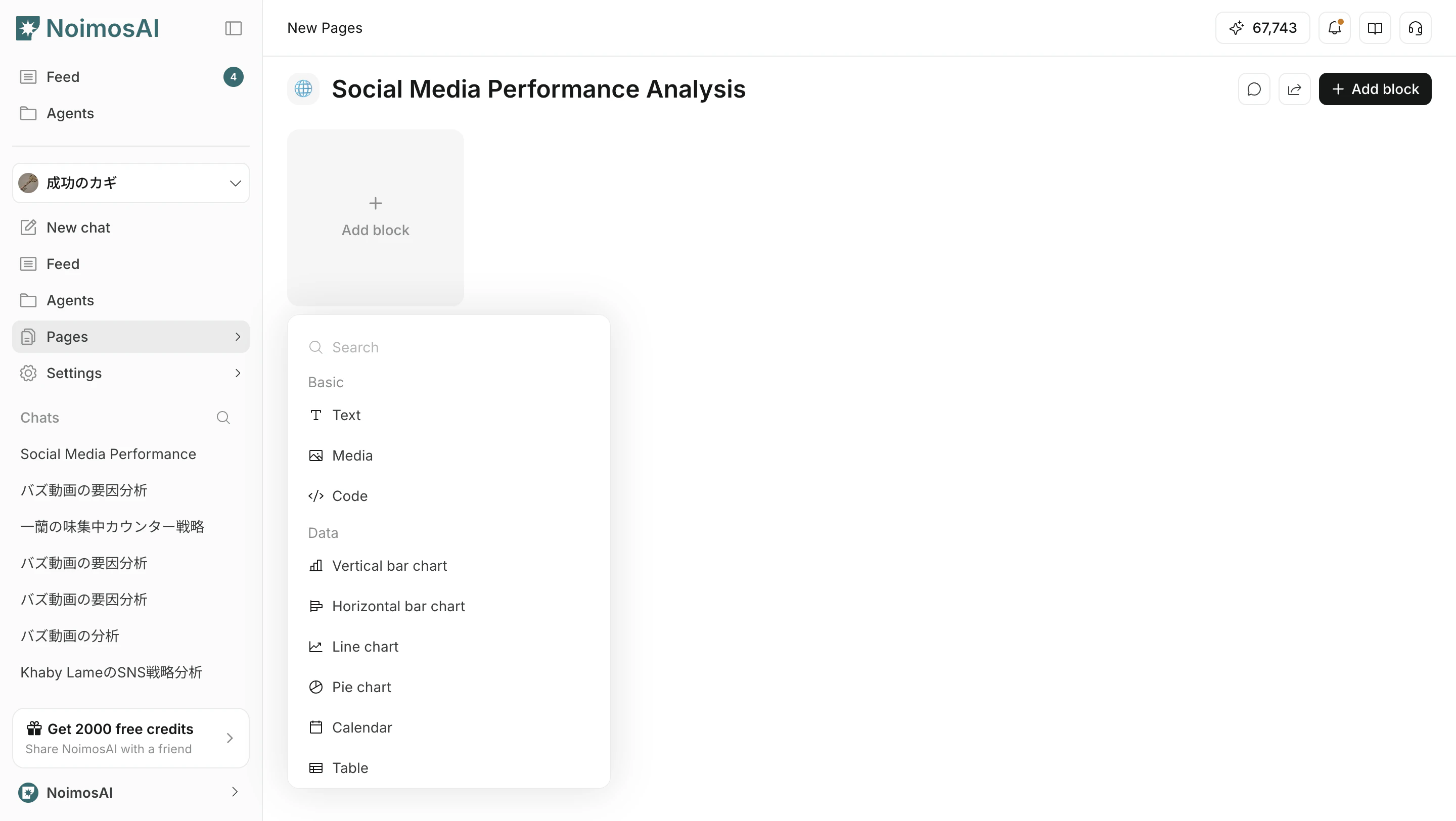
Categories
The UI mainly groups blocks into these categories.BasicDataAnalysisFunctionEmbed
Basic blocks
Use these blocks to write and organize basic information.| Block | Purpose |
|---|---|
Text | Write headings, body text, and notes. |
Media | Place visual information such as images. |
Code | Format code or command examples. |
Data blocks
Use these blocks to review numbers and timelines.| Block | Purpose |
|---|---|
Chart | Visualize trends and understand changes. |
Calendar | Manage plans by date. |
Table | Create tables from scratch or add connected data as columns. |
Metric | Review KPIs in a compact format. |
Analysis blocks
Use these blocks to understand SEO, GEO, and web analytics conditions.| Block | Purpose |
|---|---|
GEO | Review metrics for generative search. |
SEO | Review search traffic and visibility metrics. |
Website Analytics | Review web metrics such as site visits and page views. |
Function blocks
Use these blocks for execution work and operating flows.| Block | Purpose |
|---|---|
Media Library | Reuse images and video assets. |
Content Library | Manage existing content across channels. |
Inbox | Centralize comment and message handling. |
Post Editor | Create and adjust social post drafts. |
Article Editor | Draft and edit articles. |
Audio Editor | Generate and edit audio. |
Embed blocks
Use these blocks to reference information from external tools inside a page.| Block | Purpose |
|---|---|
Notion | Reference connected Notion pages and information. |
How to choose
- Clarify the page purpose first.
- Use
Basicblocks to organize context. - Use
Datablocks for measurement and decisions. - Use
Analysisblocks for SEO and GEO checks. - Use
Functionblocks for execution work.