

Overview
June 10, 2026 updateTheFeed Schedulehas been removed. Upcoming agent runs are now checked from theScheduletab inAgents.
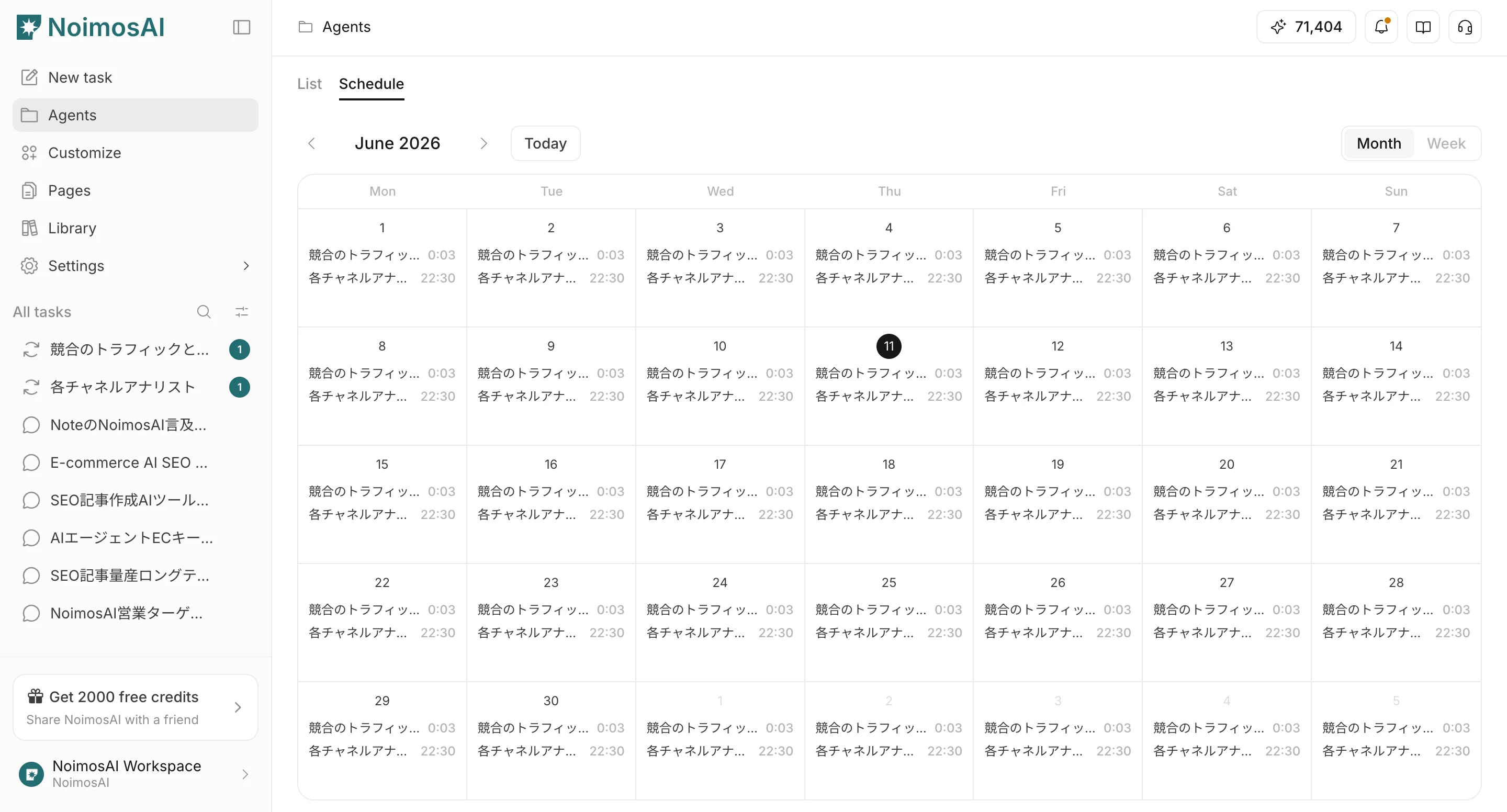
Schedule tab lets you review upcoming runs for agents that have schedule settings in a calendar view.
How to Check Schedules
- Open
Agentsfrom the sidebar. - Select the
Scheduletab. - Check upcoming agent runs in month view or week view.
- Select a target agent to move to that agent’s settings screen.
What Appears in Schedule
In theSchedule tab, you can check:
- Agents with schedule settings
- Upcoming runs in month view and week view
- Event-based agents
- The empty state when no agents are scheduled
Edit a Schedule
To change execution timing, open the target agent and edit the execution schedule in its workflow.Notes
- Schedule times are displayed based on your account timezone setting.
- Event-based agents, such as agents triggered by incoming email or detected social posts, may not appear as fixed-time calendar events.