

Panoramica
I blocchi sono le unità costitutive di una pagina. Scegliere il blocco adatto allo scopo rende le pagine leggibili e operative.Menu Add block
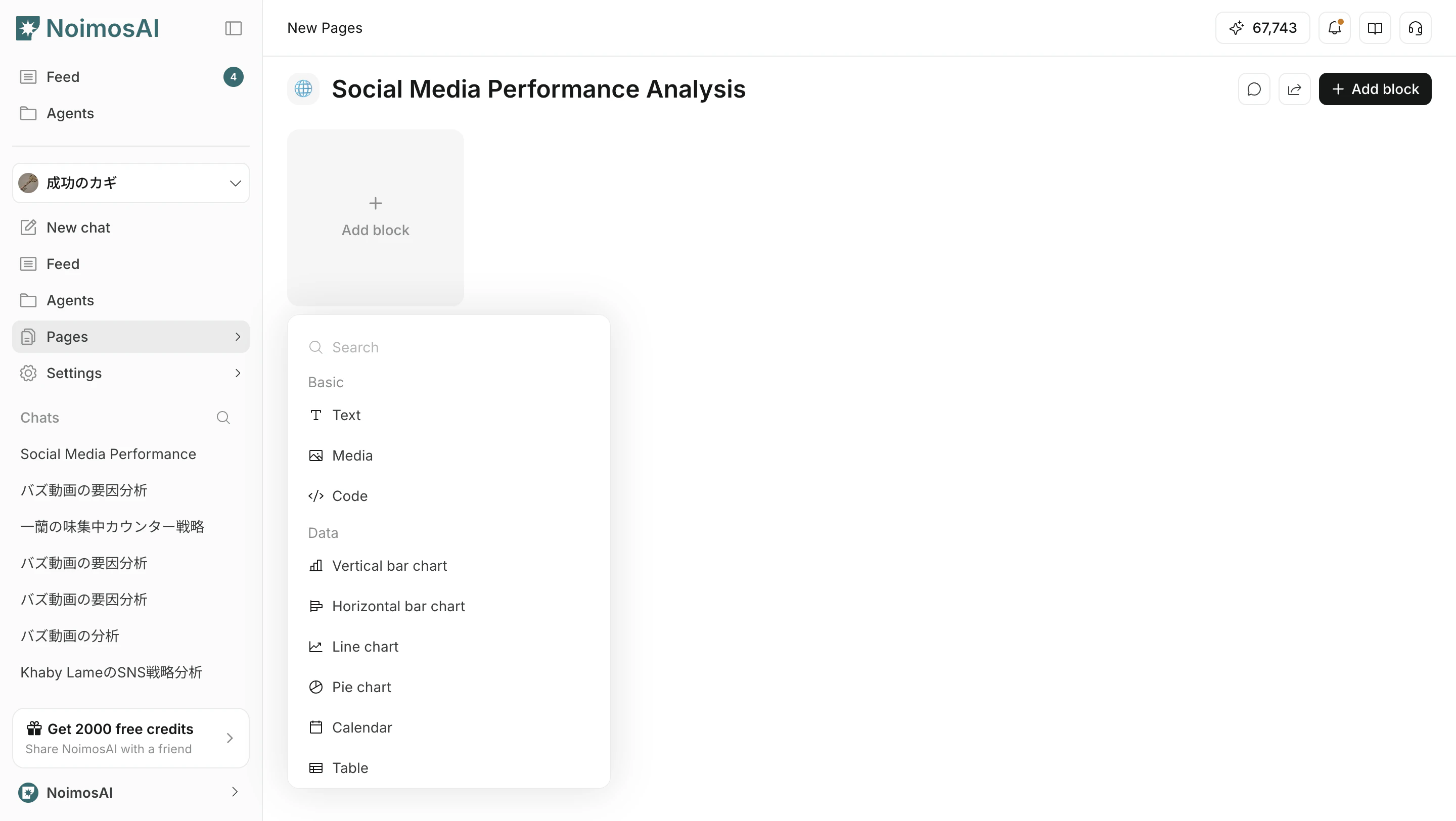
UsaAdd block per inserire un blocco adatto allo scopo. Puoi anche filtrare per nome del blocco nel campo di ricerca.
Categories
La UI è organizzata principalmente in queste categorie.BasicDataAnalyticsFunctionEmbed
Blocchi Basic
Blocchi per scrivere e organizzare informazioni di base.Blocchi Data
Blocchi per controllare numeri e informazioni temporali.
Per dettagli sui table block, vedi Blocco tabella.
Blocchi Analytics
Blocchi per SEO, GEO e web analytics.Blocchi Function
Blocchi per attività operative e workflow di esecuzione.Blocchi Embed
Blocchi per consultare informazioni di strumenti esterni dentro una pagina.Come scegliere
- Chiarisci prima lo scopo della pagina
- Usa blocchi
Basicper il contesto - Usa blocchi
Dataper misurazioni e decisioni - Usa blocchi
Analyticsper controlli SEO e GEO - Usa blocchi
Functionper il lavoro operativo