

- Choose creators and media to compare
- Analyze published content and audience engagement, then apply the findings
Understand the basics of researching similar creators and media
1. Choose creators and media to compare
Don’t choose solely by follower count or fame. Select targets that are similar in at least one of these: the audience you want to reach, the theme you cover, or the format. Decide the reason for comparison in advance to avoid collecting numbers and posts without purpose. The table below shows types of comparison targets and what differences you can check for each. Choose 3–5 items that match what you want to improve.
Start with 3–5 targets. If you include too many, you’ll just track changes instead of focusing on targets that will influence your theme and future planning.
2. Analyze published content and audience engagement, then apply the findings
For chosen targets, investigate published content, search results, observable reactions, and update history using the same items. Don’t simply imitate discovered features; convert them into actions that fit your audience, experience, research, and formats. The table below maps what to check in competitors’ output to decisions to make for your own output.
Available metrics vary by platform. Don’t guess unpublished subscriber or view counts—use verifiable information such as search rankings, published reactions, and update histories.
Research similar creators and media with NoimosAI
Select the publishers and creators you want to compare and add them to Personalization. Then monitor their content and audience response over time and use relevant findings in your own planning and production. For instructions on entering a prompt in chat, see Enter your own prompt.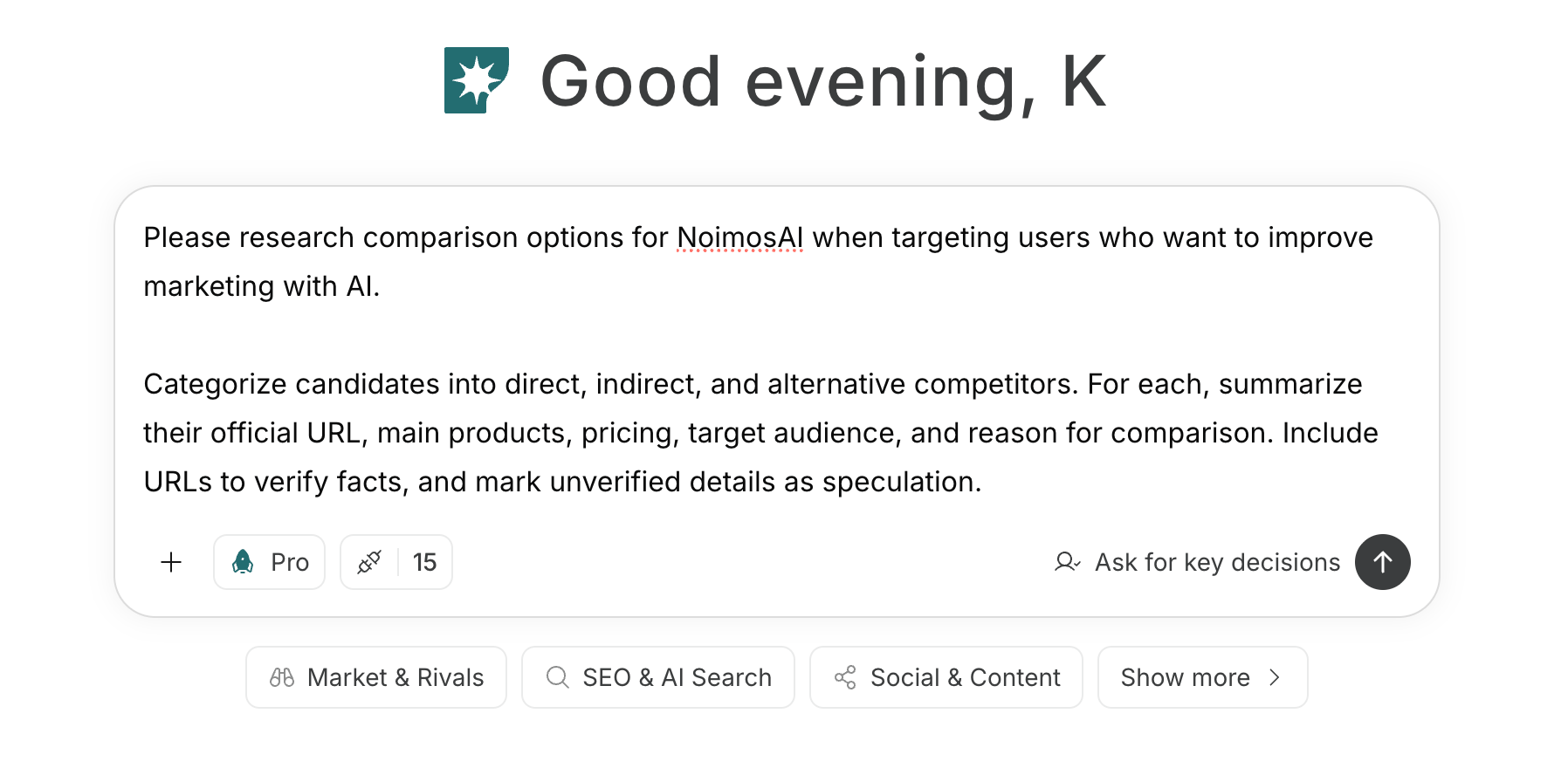
1. Choose creators and media to compare
First, enter your topic and target audience in chat and research candidate creators. Include direct peers, creators serving the same audience with adjacent topics, and publishers using a different format. Select only candidates with a clear reason for comparison.Prompt for chat
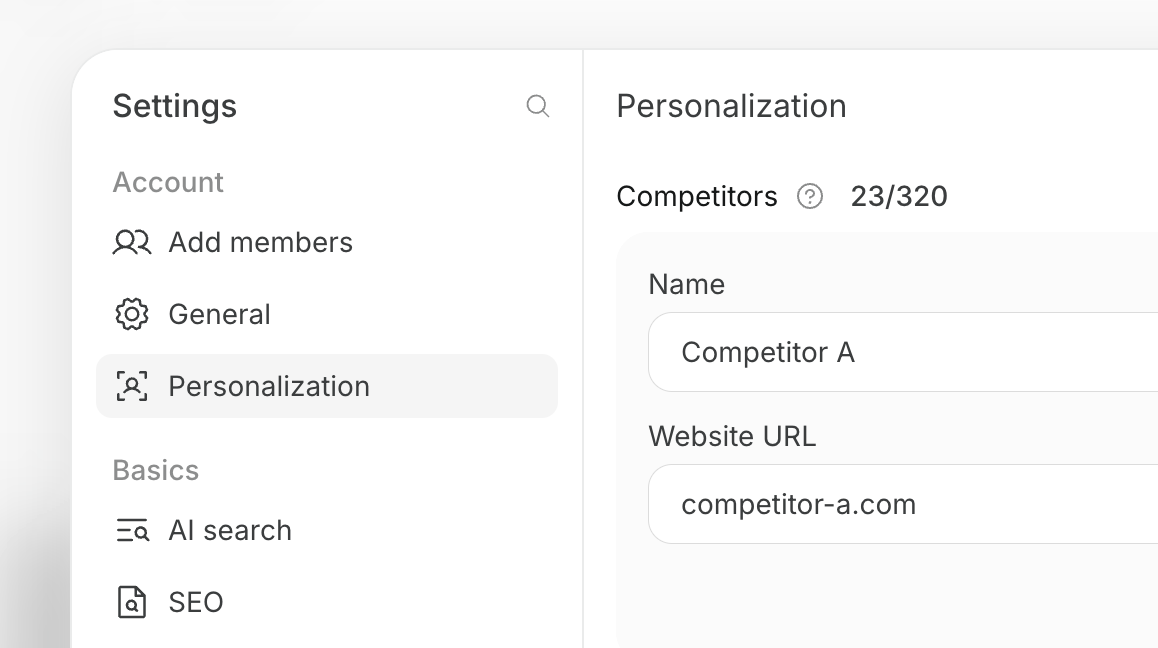
2. Analyze published content and audience engagement, then apply the findings
Monitor new published content and reactions from registered creators and media to find themes you haven’t covered and opportunities to add your own unique evidence. Typically run this weekly, or monthly for lower-frequency targets, and create an agent that converts the most important opportunities into plans and final drafts.Agent setup
Trigger: Schedule / Weekly Instructions: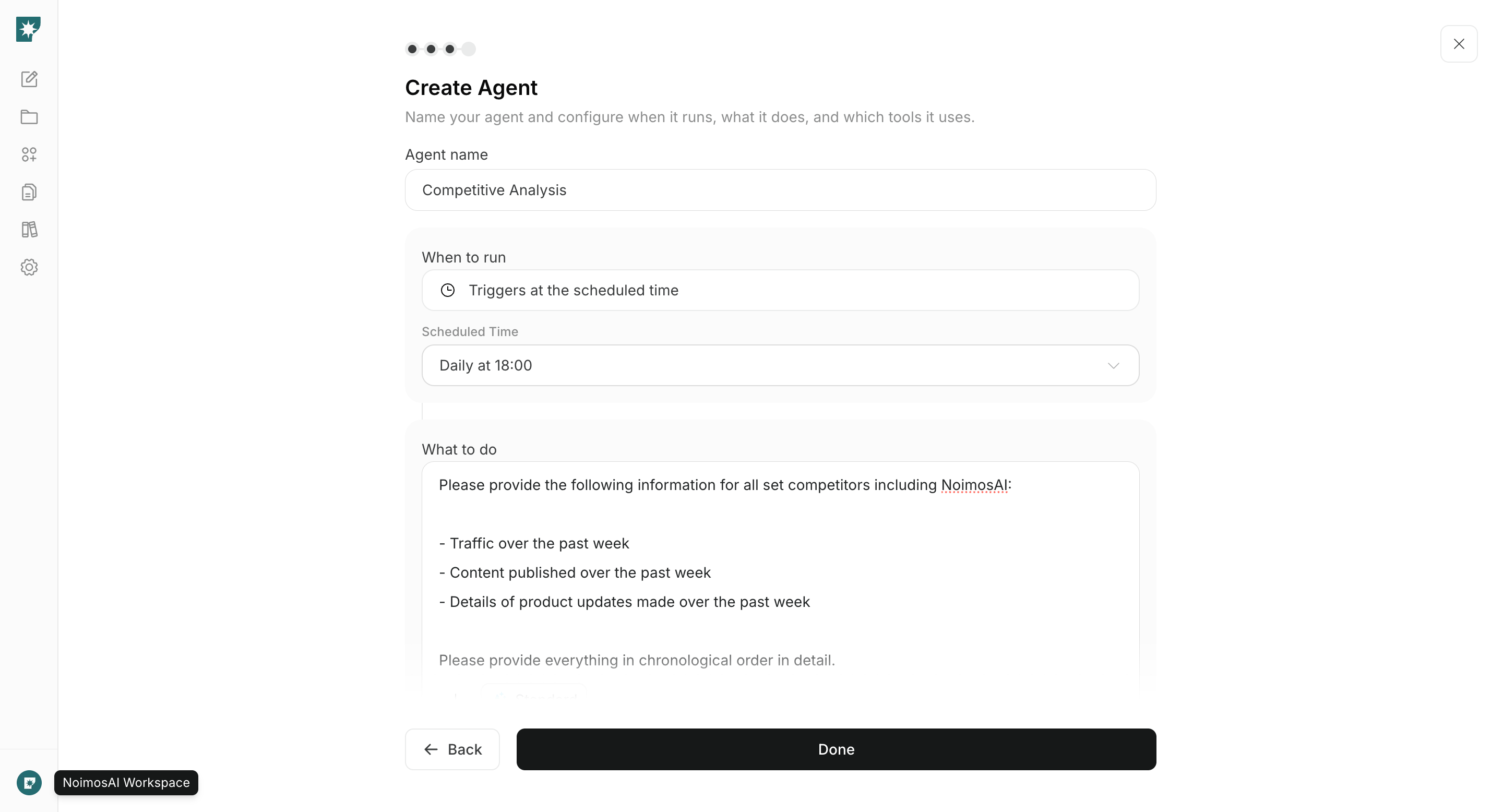
Turn research results into plans
Don’t leave research results as a list—decide the next actions. Prioritize candidates by three points: relevance to readers, evidence you can uniquely provide, and verifiable outcomes after publication.
Even if reactions are large, deprioritize items that are not relevant to your target audience or theme. To avoid producing content that merely swaps another’s structure or expression, decide on primary sources to use at the planning stage.