

Short Answer
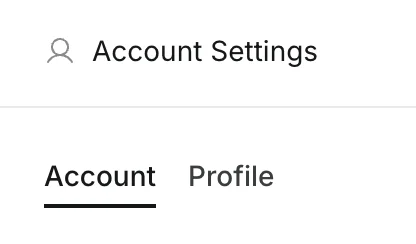
Go toSettings -> Profile.
You can edit your display name and profile image there.
Step-by-Step
- Open
Settings.

- Select
Profile.
- Update
Display Nameand/or your profile image.
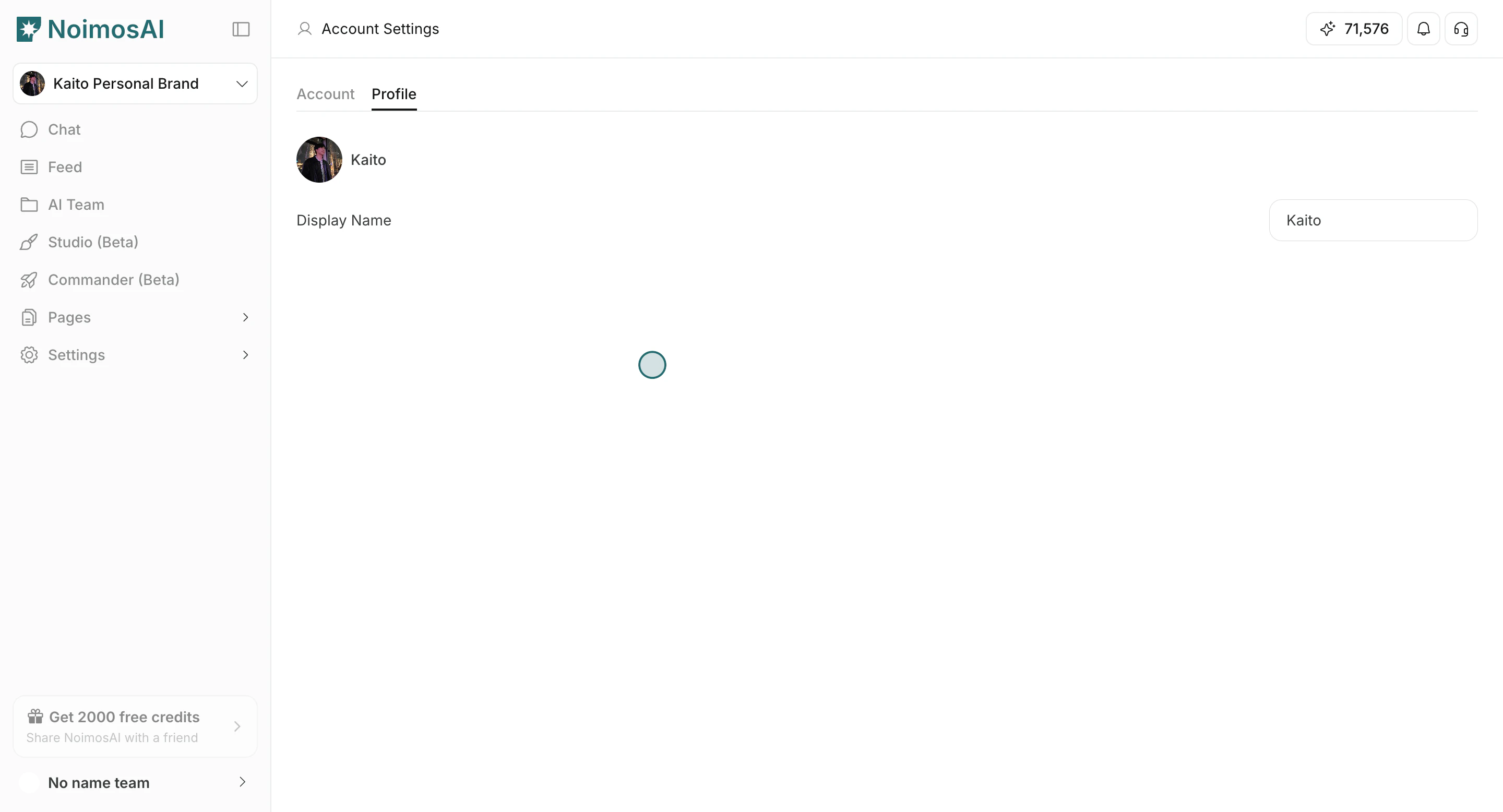
Find where to update your profile name and avatar.
Settings -> Profile.
You can edit your display name and profile image there.
Settings.Profile.Display Name and/or your profile image.