

Short Answer
Most mismatches happen because accounts were removed in one scope but still remain in another. Check both Team-level and Workspace-level integrations.Where to Check
Team Settings -> Integrations
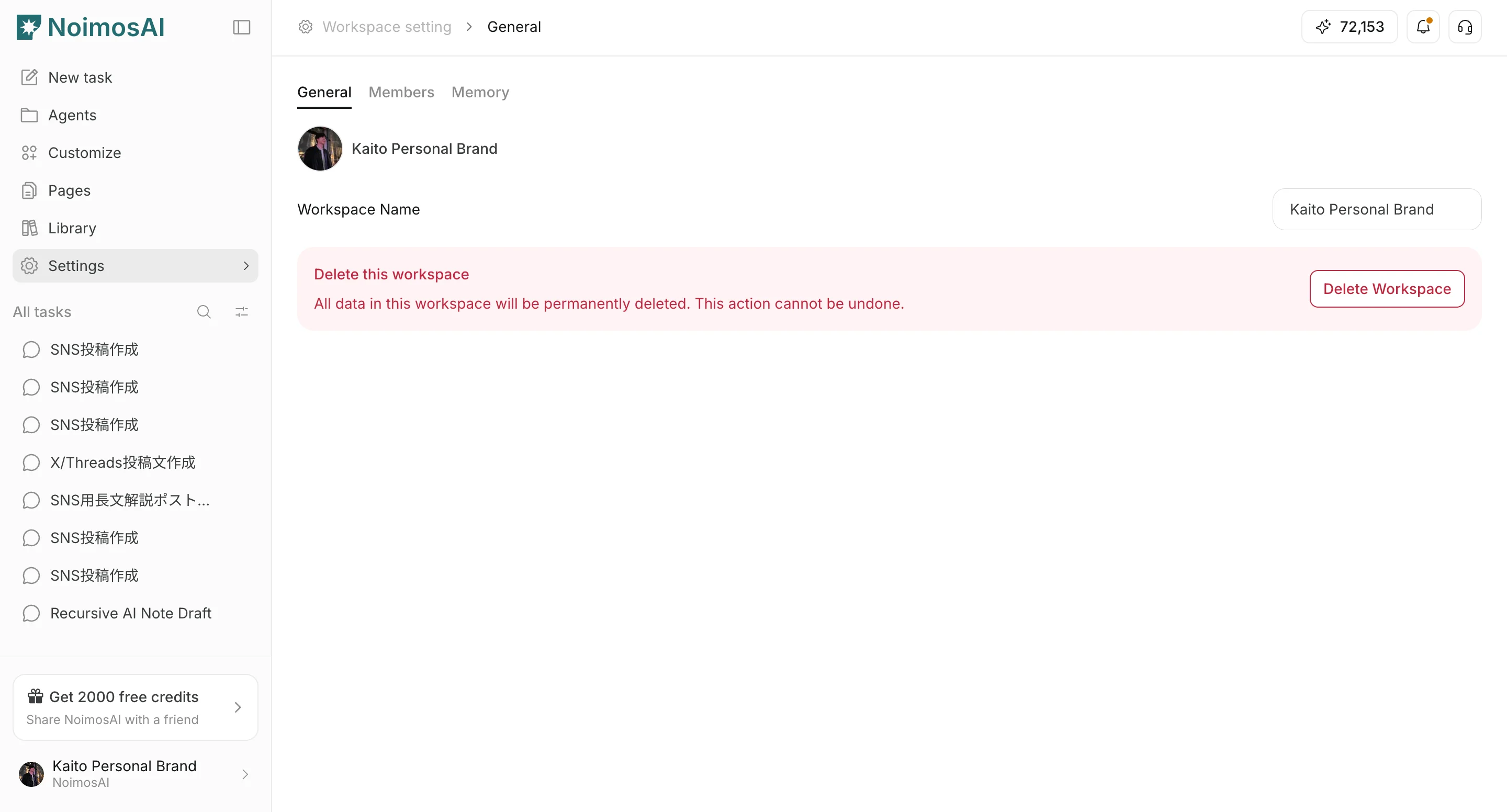
Workspace -> Settings -> Basic information -> Integrations
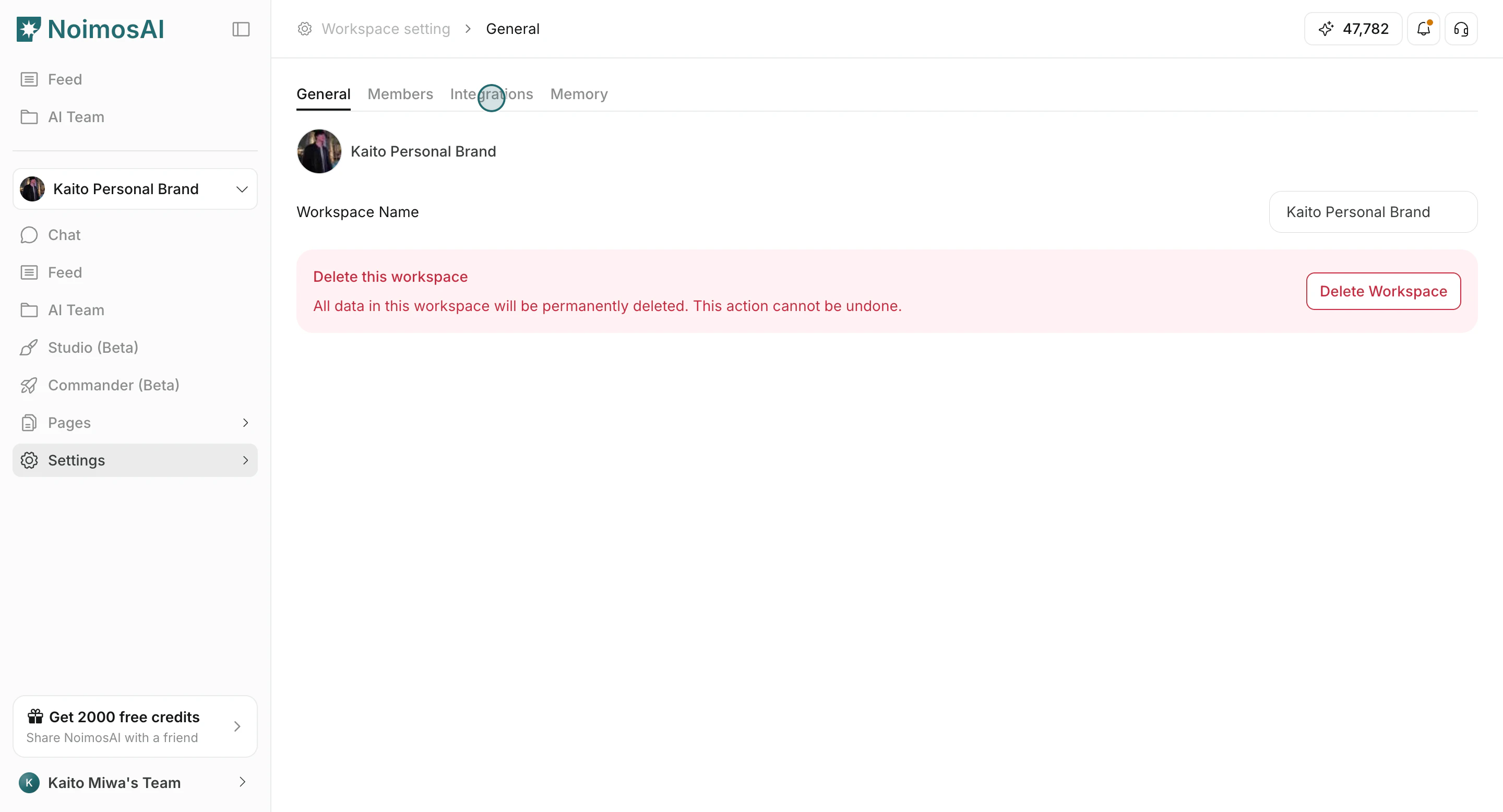
Fix Checklist
- Remove unused accounts at Team scope.
- Remove unused assignments at Workspace scope.
- Reconnect accounts that show reauthorization prompts.
- Reload the app and recheck counts.
If It Still Does Not Match
Contact support with:- Team name and Workspace name
- Target provider/account name
- Screenshot of both integration screens
- Approximate timestamp of the issue